



Every form plugin works in the demo. You build the form, you submit it once from your own browser, the thank-you message appears, and you move on. The form then runs for months without anyone checking whether it still works for visitors.
Our friends at WP Minutes recently built the same six-field form in six plugins and compared everything from conditional logic to spam protection. It is a good guide for choosing a form plugin. This post is about what happens after you have chosen one, because a form that breaks does not tell you. It simply stops delivering leads, quietly.
Three ways a working form loses your leads
1. The submission fails and nobody sees an error. The visitor clicks the button, a spinner turns, and nothing else happens. The request behind the form was blocked by a firewall or security plugin, timed out, or hit a PHP error on the server. Most form plugins show no message in that case. The visitor clicks again, then gives up.
2. The visitor cannot get past validation. A required field they cannot see, a phone format the plugin rejects, a consent box hidden by the theme. They try, get “One or more fields have an error”, try once more and leave. Your form worked exactly as configured. It still lost the lead.
3. The submission succeeds and the email never arrives. The WP Minutes test points out that Contact Form 7 does not store submissions at all, so if the notification email bounces, the message is gone. Other plugins keep entries in the database, but only if you remember to look there.
None of these show up in Google Analytics. All of them look, from your side, like “we get fewer inquiries lately”.
Detecting it automatically, when a real visitor hits it
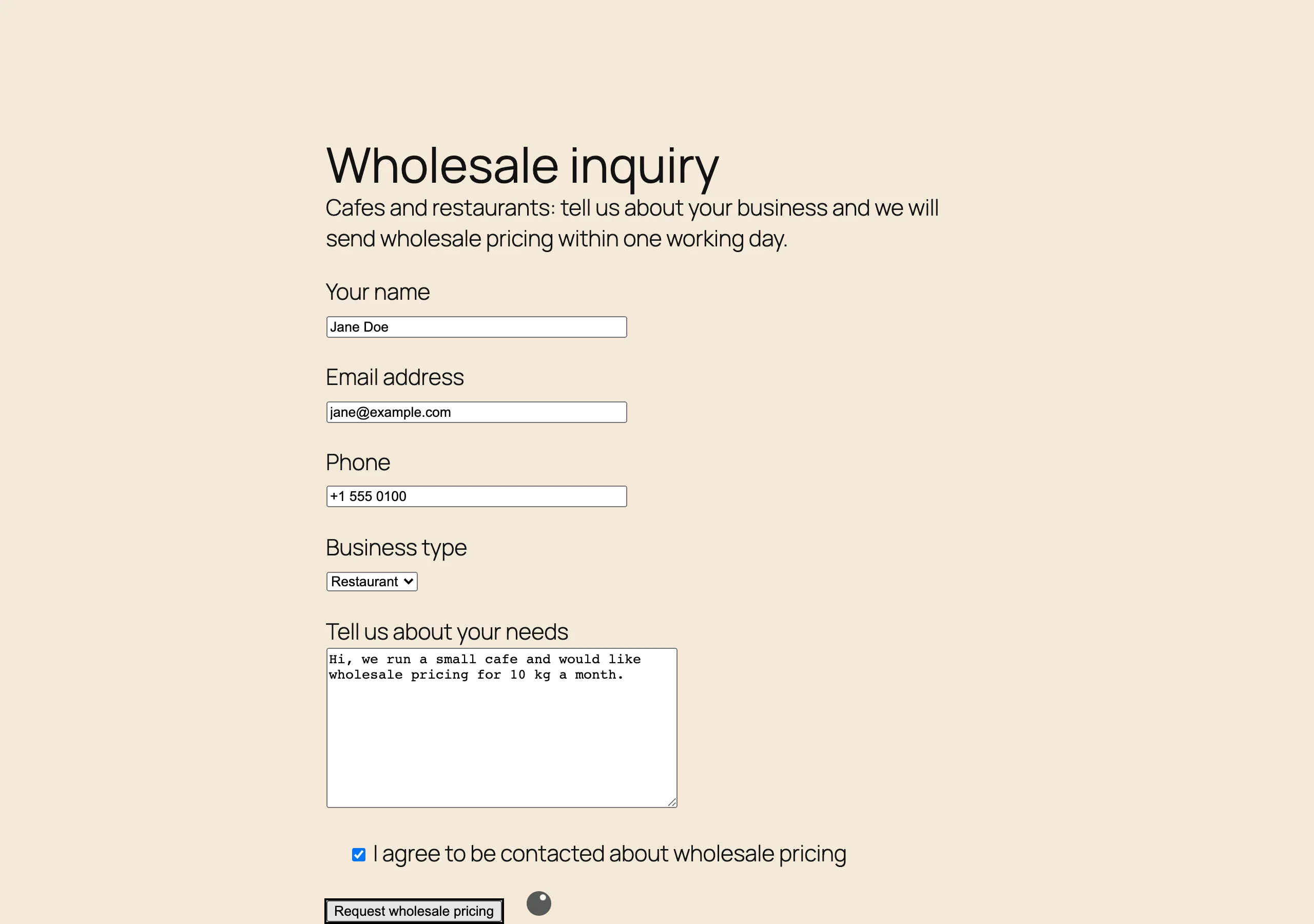
With BugMonitor installed, every form on the site is watched from the visitor’s browser, and the two situations above become events in your report. We reproduced both on a test site running Contact Form 7, with the same wholesale inquiry form the WP Minutes article uses.
First we filled in the form as a customer would and blocked the request that Contact Form 7 sends when you click the button, the way an over-eager firewall or a broken plugin update would. The spinner appeared and nothing else happened. A second click did nothing either.
BugMonitor logged it as a Possible Form Submission Issue, at the critical level: a submit button was clicked and the page did not react within half a second. The event carries the page URL, the device, and a session recording of what the visitor did, so you can watch the failed attempt instead of guessing.
Then we submitted the form with the required fields empty. Contact Form 7 answered with its validation message, the form stayed on the screen, and our visitor left the page without fixing it.
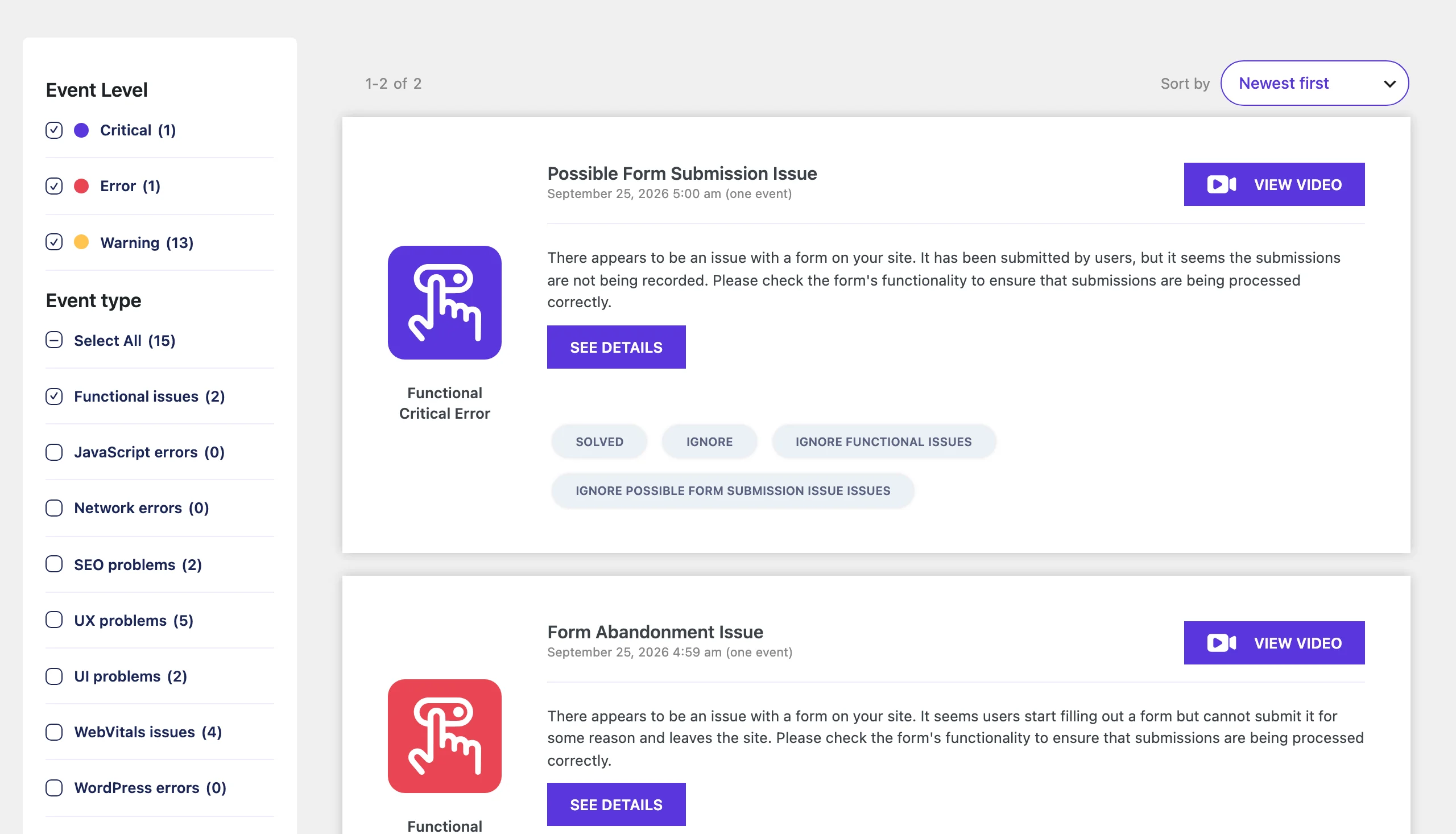
That one is a Form Abandonment Issue. It only fires after a real submit attempt that validation rejected, and the event records which fields failed and why, so a form that keeps rejecting phone numbers or a consent box nobody notices shows up as a pattern rather than as one lost lead.
A third event, Unresponsive Link/Button, covers the visitor who clicks the same button twice because nothing happened the first time. Together the three answer the question a form plugin never asks: did the people who tried to contact you actually get through?
Checking it by hand, if BugMonitor is not installed
You can catch some of this without monitoring, as long as you do it regularly:
- Submit every form yourself once a week, from a phone, logged out, in a private window. A form that works for the logged-in admin can still fail for a visitor, because security plugins treat the two differently.
- Compare submissions with page views. If the contact page gets 300 visits a month and you receive four messages, something between the button and your inbox is losing people.
- Make sure entries are stored somewhere. Install Flamingo for Contact Form 7, or check the Entries screen of your plugin, so a bounced email is not a lost lead. Our email errors page covers the delivery side.
- Read the PHP error log after every plugin update. A fatal error in the request that handles the form produces no message for the visitor. Here is how to find the log.
The weakness of every item on that list is the word “regularly”. The form breaks on the day of the plugin update, and you check it three weeks later. Monitoring from the visitor’s browser closes that gap: the first real person who cannot submit is the one who reports it, and they report it to you rather than to a competitor.
What to do when the event appears
Open the event and watch the session recording first; it usually shows the cause within seconds. A submission issue after a plugin update is nearly always a blocked or failing request: check the form submission issue page for the usual suspects, starting with security plugins and caching. An abandonment event that names the same field again and again is a form design problem: loosen the validation, make the required marker visible, or drop the field. And whichever plugin you picked from the WP Minutes list, do the five things they recommend at the end of that article. Storing submissions and sending through a proper mail service fix the failures monitoring cannot see.
 Download BugMonitor for free
Instantly detect and report layout problems, functional issues, JavaScript errors, SEO problems, network- and PHP errors.